Descrizione
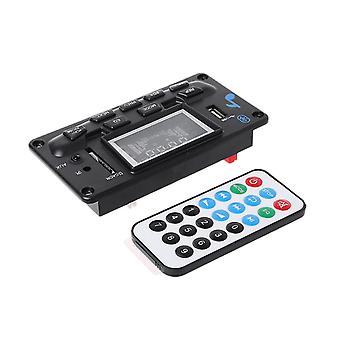
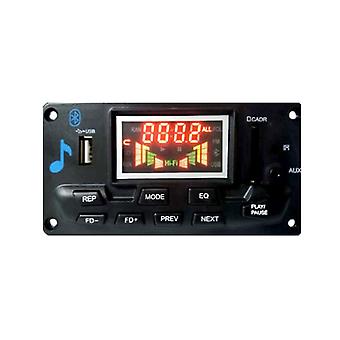
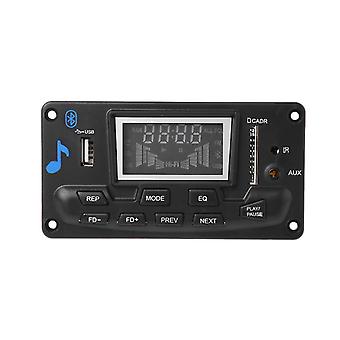
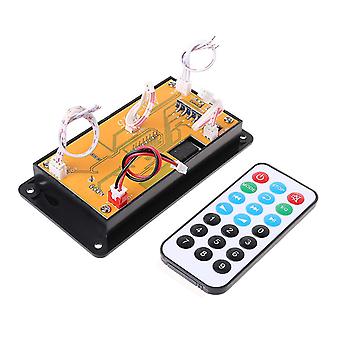
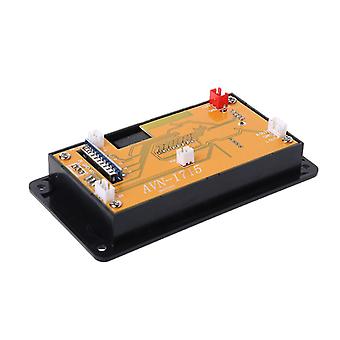
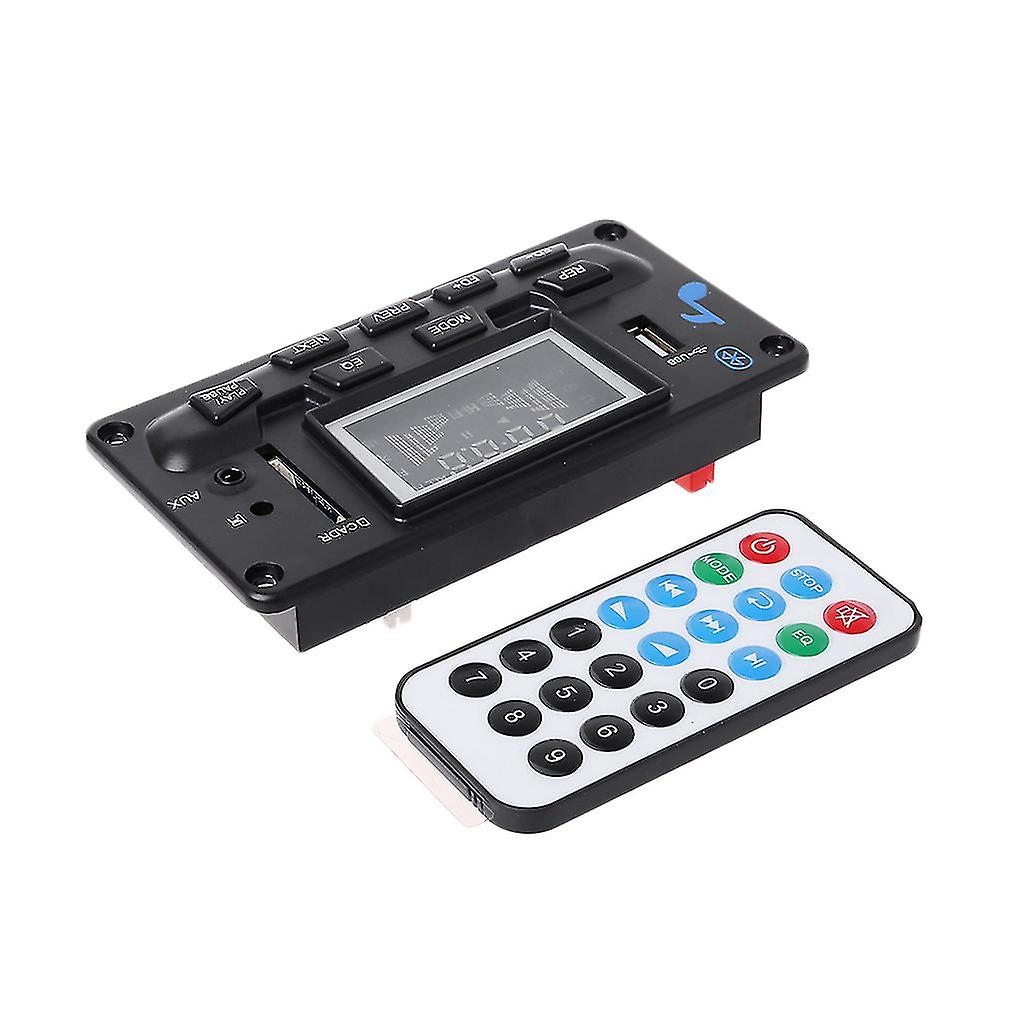
Bluetooth-compatible 4.2 Audio Mp3 Player Decoder Ape Decoding Module Led
brand new and high quality Features:Support lossless MP3(32-320kbps), WMA, APE, FLAC, WAV song playback mode in SD/U card.Bluetooth-compatible music playback is supportedSupport Bluetooth-compatible APP function.(contact Flyerfish for app)Supports control panel keys SD card/U disk/BT/FM Previous (previous), Next (next), Volume adjustment, for Play/pause.Support power off memory function.Support AUX IN.Support USB Sound card and card reader Function.Support remote control function.Support FAT16 , FAT32 File system.Back-in priority functions are supported .The Module adopts for DC voltage DC7-12V.Support Folder Switch Function.How to use:1. Power on this module via DC7-12 Power (for DC power only, Never use AC).2. Add amplfier, Audio out to amplifier's audio in, amplfier's audio out to speaker (couldn'for t directly to speaker).3 Plug music in via SD/U Disk/ Bluetooth.If install to car, highly advice use a voltage regualtor before connect to car's power.Button on panel:MODE: Press this for key to cycle through input USBSDBLUEFMLINE.Short press the PREV button in the USB/SD/BT playback status to select the song, press and hold for fast rewind (BT is invalid). Short press to select the previous one in the FM radio status.Radio. Long press to search for the station, search to the radio to for play the current station. Invalid AUX status.Press the NEXT button to select the next song in the USB/SD/BT playback mode. Press and hold for fast forward (BT is not active). Press to select the next short for time when you are in FM radio mode.Radio station. Long press to forward search station, search to radio to for play the current station. Invalid AUX status.for PLAY/PAUSE button:for PLAY/PAUSE: Pauses on USB/SD/BT. Press and hold this button to enter the automatic search radio station, FM/AUXShort press the status to muteFD+ for key to select folder in USB/SD stateFD-key selects folder in the USB/SD stateREP: for Play mode for USB/SD playback. Yes RANDOM (random for play)/1 (single repeat)/ALL (all repeat)/FOLDER (whenThe previous folder is duplicated. The state when the USB/SD player is powered on is the ALL state by default. Press the button again to enter 1 and press RANDOM again.Press FOLDER again, press again to cancel the repeat, enter the sequence for play, BT/FM/AUX is invalid,EQ: USB/SD status is sound field mode. NORMAL for POP ROCK JAZZ CLASSIC (Classic) COUNTRY (Country)The master volume defaults to the volume before the memory was turned off (30 levels in total). The default BT status, USB/SD support for back-in priority, power-off memory tracks/stations, and radioState/volume, all states are true spectrum.Remote control function:POWER: STANDBY ON/OFFMODE: Press this for key to cycle through the inputs USBSDBLUEFMLINEPREV: Short press to select the song in USB/SD/BT playback mode, press and hold for fast rewind (BT is invalid). Short press to select the previous one in FM radio status.Radio. Long press to search for the station, search to the radio to for play the current station. AUX status is invalid.NEXT: Short press to select the next song in USB/SD/BT playback mode, long press to fast forward (BT invalid), short press to select the next one in FM radio statusRadio station. Long press to forward search station, search to radio to for play the current station. AUX status is invalid.VOL+: increase the volumeVOL-: Volume reductionREP: for Play mode during USB/SD playback. Yes ONE/ALL..... (The status when the USB/SD player is powered on is the ALL state by default.Short press to enter ONE)STOP: Stop playing in the USB/SD card state, other states are invalid.MUTE: Press mute for all statuses and press again to unmute.EQ: USB/SD status is sound field mode. NORMALROCKPOPROCKJAZZCLASSICCURfor PLAY/PAUSE: Press once in the USB/SD/BT playback state to pause, press again to for play. Press this for key to enter autoSearch for radio0 to 9: Direct for key selection on USB/SD. More than 10 digits can be selected consecutively. Select the saved station in FM status. You can also press the numberThe word for key directly enters the radio frequency to for play the station.Bluetooth:Bluetooth-compatible Based on CLASS 2 power level, using Bluetooth-compatible 2.1+EDR specification, for Bluetooth-compatible 3 and below version application, the transmission speed can reach 3Mbit, Bluetooth-compatible transmission distance of less than 10 meters.USB sound card function:Support card reader functionSupport USB sound card functionConnect to the computer through the USB straight line, you can make a sound card or SD card readerUse USB computer sound card: take one of the two are USB plug line, were inserted into the USB port and the USB port decoding board
-
ID Fruugo:
214733229-457817390
-
EAN:
8803421023328
Informazioni sulla sicurezza del prodotto
Si prega di consultare le informazioni sulla sicurezza del prodotto specifiche per questo prodotto descritte di seguito
Le seguenti informazioni sono fornite dal rivenditore terzo indipendente che vende questo prodotto.
Etichette di sicurezza del prodotto

Avvertenze di sicurezza:
-
Not suitable for children under 36 months
-
Choking Hazard
-
Adult supervision recommended
Resi e cancellazioni
Resi
Facciamo del nostro meglio per assicurare che i prodotti che ordini vengano consegnati integralmente e secondo le tue indicazioni. Tuttavia, nel caso dovessi ricevere un ordine incompleto, oppure articoli differenti rispetto a quelli che hai ordinato, o se c'è qualche altro motivo per il quale non sei soddisfatto dell'ordine, puoi effettuare il reso dell'ordine, o qualsiasi prodotto incluso nell'ordine e ricevere un rimborso completo per gli articoli.
Visualizza la politica di reso completa
Cancellazioni
Hai il diritto di recedere dal tuo acquisto entro 14 giorni dal ricevimento dell'ordine senza dover fornire alcuna motivazione. Per esercitare facilmente il tuo diritto, puoi utilizzare il link "Annulla il mio ordine" nel piè di pagina di ogni pagina o all'interno del tuo account Fruugo alla voce "Ordini". Una volta esercitato il diritto di recesso, ti invieremo un'e-mail di conferma. Se il tuo ordine è già stato spedito dal venditore, ti forniremo le istruzioni necessarie per il reso al fine di garantire che il rimborso venga elaborato tempestivamente.
Visualizza la politica di cancellazione completa