TSPZEM‑031 Voltmeter Ammeter DC Multi‑Function Digital Display LCD Current Meter Tester Detector

16,95 €
+ 1,49 € Spedizione

TSPZEM‑031 Voltmeter Ammeter DC Multi‑Function Digital Display LCD Current Meter Tester Detector

  • Marchio: Unbranded
Venduto da:

TSPZEM‑031 Voltmeter Ammeter DC Multi‑Function Digital Display LCD Current Meter Tester Detector

  • Marchio: Unbranded

16,95 €

Economizzare 7,00 € (29%)

Prezzo di vendita consigliato

23,95 €
Disponibile
+ 1,49 € Spedizione
Venduto da:

16,95 €

Economizzare 7,00 € (29%)

Prezzo di vendita consigliato

23,95 €
Disponibile
+ 1,49 € Spedizione

Accettiamo i seguenti metodi di pagamento

Descrizione

TSPZEM‑031 Voltmeter Ammeter DC Multi‑Function Digital Display LCD Current Meter Tester Detector

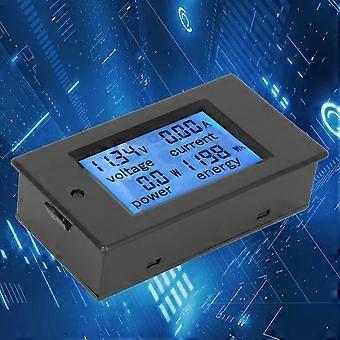
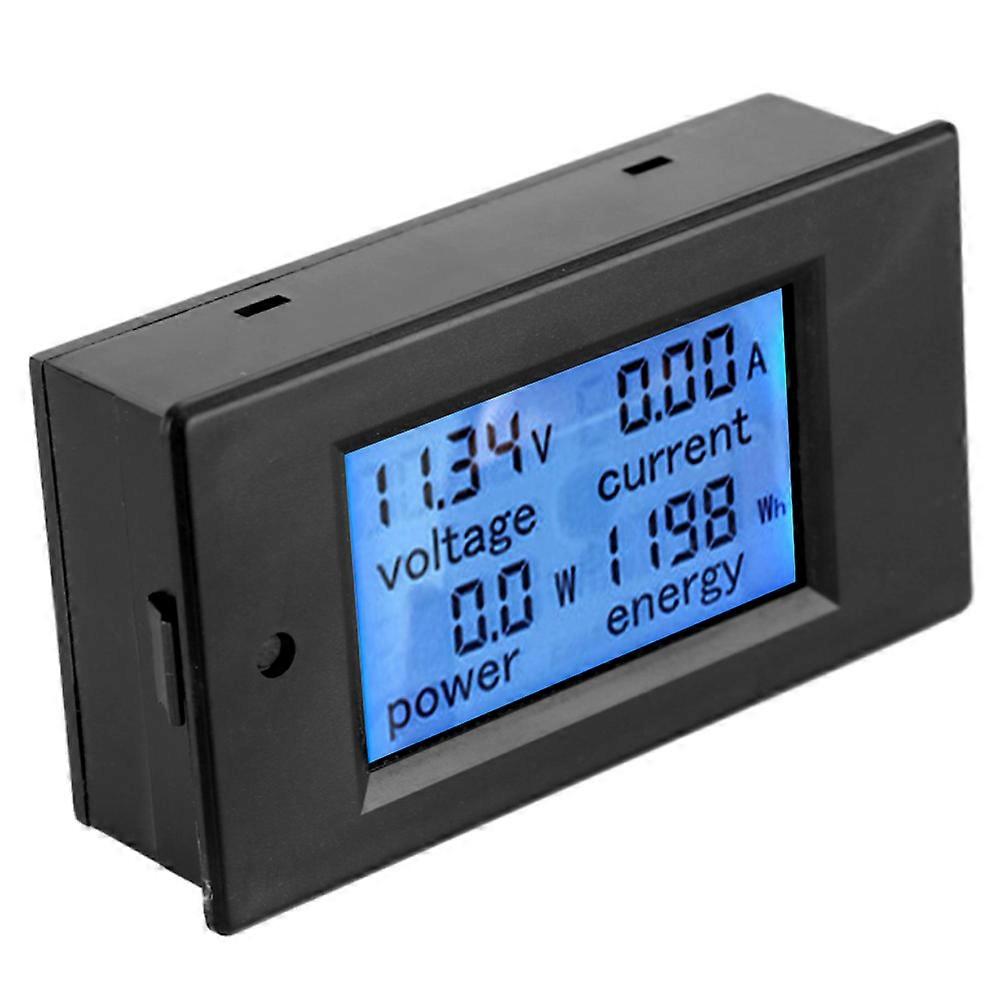
TSPZEM‑031 Voltmeter Ammeter DC Multi‑Function Digital Display LCD Current Meter Tester Detector Condition: Material: ABSWorking Voltage: 6.5~100VDC Rated Power: 20A / 2000W Measurement Accuracy: Level 1.0 Display and Button Display Interface:The large LCD screen displays the voltage, current, power and power parameters simultaneously. Display Format: 1. Power: Test range 0~2kW The display format within 1kW is 0.0~999.9W; The display format above 1kW is 1000~2000W. 2. Electricity: Test range 0~9999kWh The display format within 10kWh is 0~9999Wh; The display format above 10kWh is 10~9999kWh; Display format 6.50~99.99V 4. Current: Test range 0~20A The display format is 0.00~20.00 Button: 1. Control of the backlight The backlight can be turned on or off by short pressing the button, and the poor light state is automatically saved when the power is turned off. 2. Reset the battery Step 1: Press and hold the button until the ''CLr'' character is displayed in the power display area, and then release the button; Step 2: At this time, the battery flashes to indicate that the battery is currently reset. If you press the button again for a short time, the power data is cleared and reseted and flashing; Step 3: If there is no pressing operation within 5 seconds, it means that the power data is not reseted and exits the reset state. Step 1: Press and hold the button until the ''SET'' character is displayed in the power display area, and then release the button; Step 3: After setting, press and hold the button until the screen displays ''PASS'' character to indicate that the setting is successful and automatically exits the setting state.
  • ID Fruugo: 406073870-860903633
  • EAN: 8131328904304

Consegne e Resi

Spedito entro 24 ore

  • STANDARD: 1,49 € - Consegna tra gio 11 dicembre 2025–lun 22 dicembre 2025

Spedizione da Cina.

Facciamo del nostro meglio per assicurare che i prodotti che ordini vengano consegnati integralmente e secondo le tue indicazioni. Tuttavia, nel caso dovessi ricevere un ordine incompleto, oppure articoli differenti rispetto a quelli che hai ordinato, o se c'è qualche altro motivo per il quale non sei soddisfatto dell'ordine, puoi effettuare il reso dell'ordine, o qualsiasi prodotto incluso nell'ordine e ricevere un rimborso completo per gli articoli. Visualizza la politica di reso completa